After cutting a solid with a profile, the tool "Coupling the solid by curve" stops working (The element is not valid for the tool)
Problem description
When cutting using a free profile or cutting the solid into several pieces, the "characteristics" were added to the solid. Sometimes, a feature that would have been wrongly placed on the object prevents using the cutting tool.
Solution
In such a case, two things can be done.
1. Removal of the particular "functionality" that creates the problem
2. Move the feature down to the feature list in "Building Element Info" in "Common tools” (“Common Tools“).
Method 1
Click on the tool "Information on building elements" in the section "Common tools“.
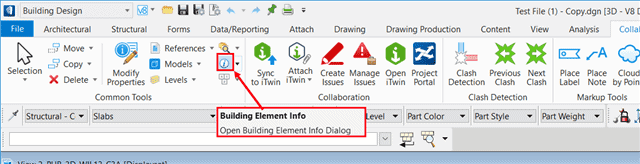
Then click on the solid problem. Then you will get the "Building Element Info" toolbox.
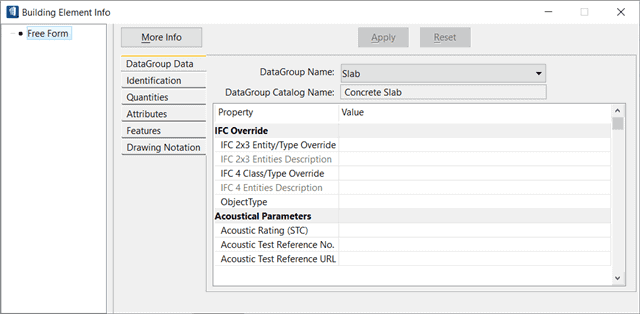
From there, click on the tab "Features” (“Features"). Then select the problematic entity from the list and apply "Drop to Solid" Then click on "Apply“.

After that, the solid problem will be removed from the list and tool "Cut by solid" can be used again.
Second method
This method is recommended only when due to certain obligations, the solid problem cannot be removed. Here it will be necessary to select the particular feature and click on the button "Move Down” (“Move Down") until it becomes the last of the list.

Here again you can use the tool "Cut the solid by curve“.