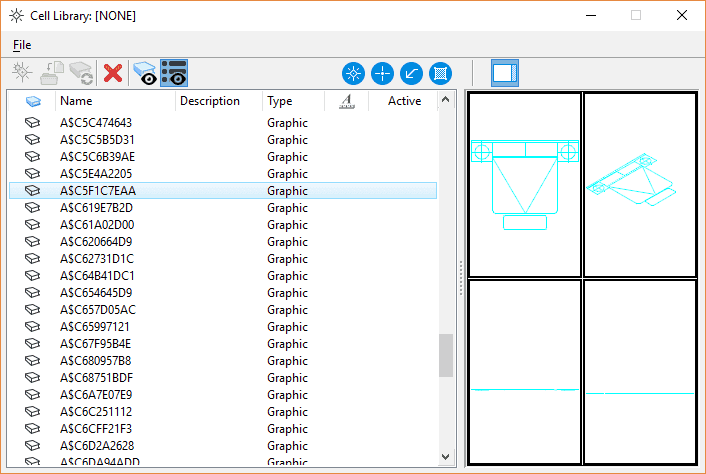
Case 1 – One block per DWG file
Background
You have received Blocks DWG and you want to add them to a cell library, to use them in MicroStation.
Steps to follow
If you want to create a library of cells from Blocks DWG:
- Open destination cell library as active file
- Then drag and drop the individual DWG files into the Templates dialog

If there are duplicate model names, MicroStation invite you to replace the existing model or rename the one that entered. Once imported, you can also remove layout templates and rename the many default templates as descriptive cell names.
Alternative
It is also possible to file Blocks DWG in a directory and ask MicroStation to use this directory as a block library.
To do this simply change the configuration variable MS_BLOCKLIST and specify the directory(s) containing the Blocks.
Case 2 – Multiple Blocks per DWG File
In this case, we will open the DWG file using MicroStation. Then we will use the following key-in command:
EXPORT CELLS SHARED "c:My librariesMy cellsMy library 1.cel"
Be careful that the destination directory must exist.
Following the execution of this command, a file called "My 1.cel library" was created in the specified directory.
In MicroStation, a library of cells Blocks d?AutoCAD) is a drawing file like another. Each cell being a drawing pattern. This also means that the definition of each cell can be edited at any time.
It is then necessary to ensure that the cell library is well accessible by MicroStation. For this, another configuration variable must be checked: MS_CELLLIST.
To access editing of this variable you must open the editor of the configuration variables:
- In English:
- File > Settings > Configuration > Configuration Variables
- In French:
- File > Specifications > Configuration > Configuration Variables
The following screen appears:
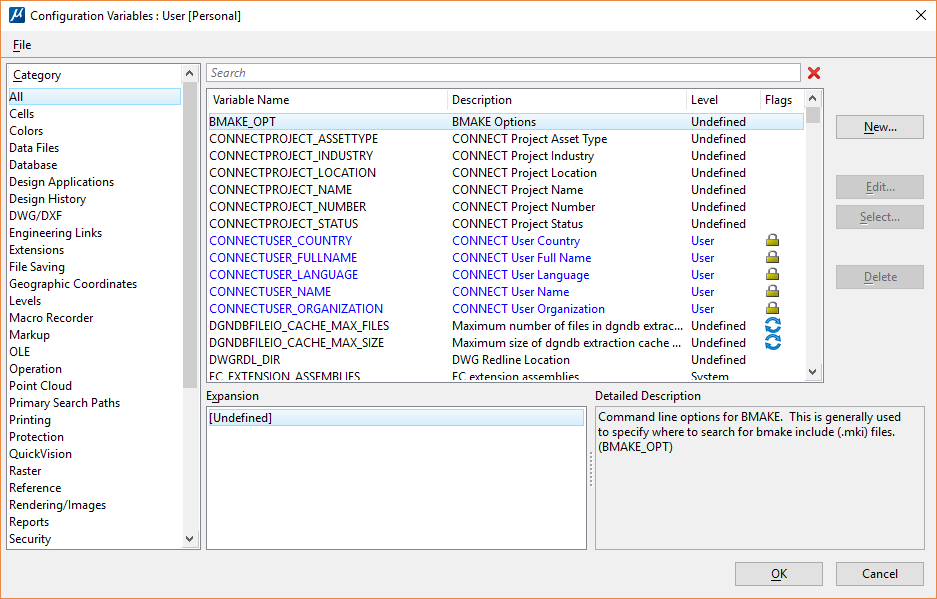
In the search field, enter CELL, a filtering of variables is then performed.

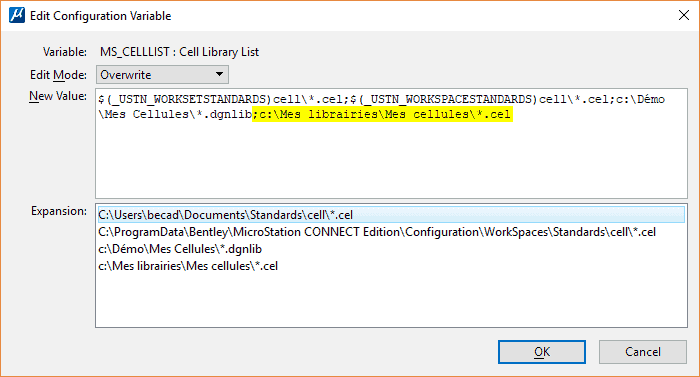
Then leave all dialog boxes by clicking on the [OK] buttons.
The configuration will then be changed and all the cell libraries listed by this variable will be analyzed for easy access to the cells.