


In iTwin Capture Modeler, it is possible to export and import the optical properties of the camera. This article gives you the way to do this.
Steps to follow
Export optical properties
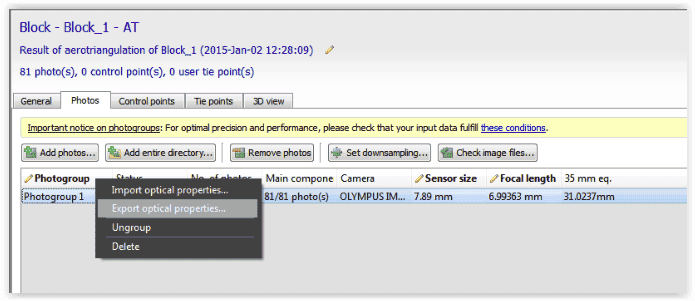
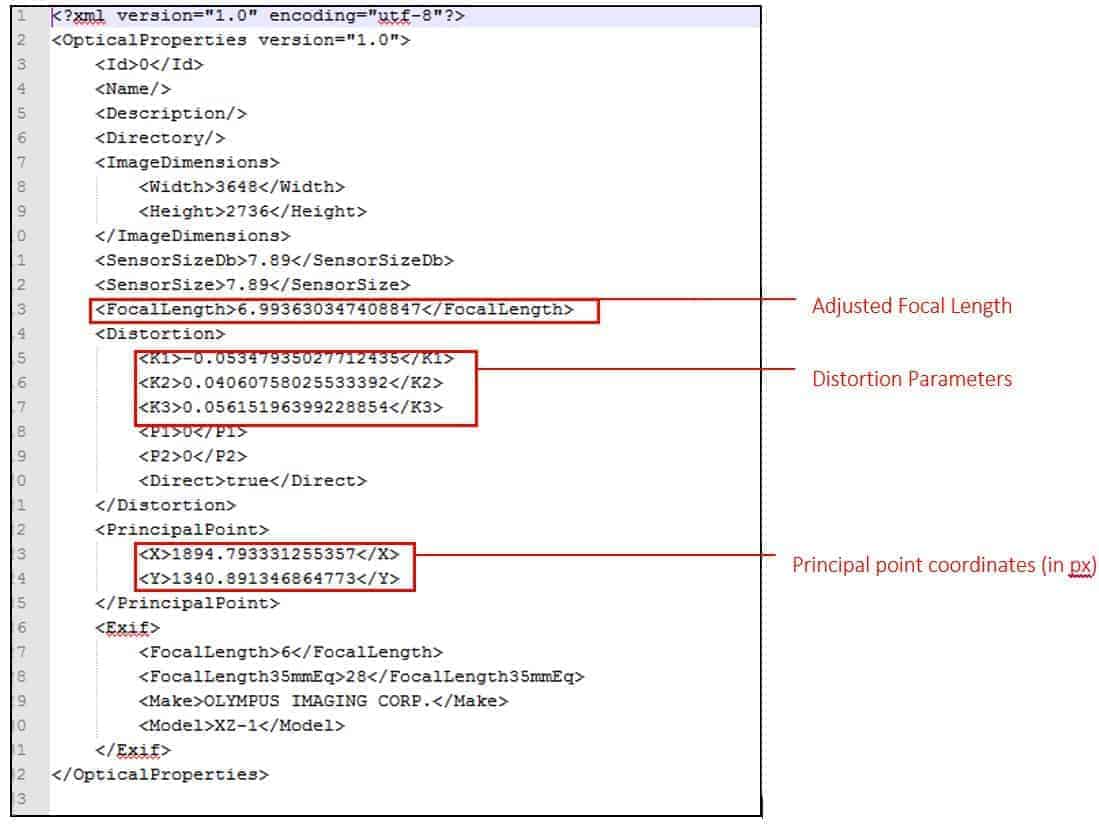
You can export them as a file * .opt by right-clicking your aero-triangulated photogroup.
Import optical properties
You have performed a calibration (calibration) of the camera and you know precisely the distortion of your camera.
Parameters
You can first import them as a file * .opt by right clicking on your photogroup, before submitting the AT.

Then, in AT settings, set the default parameter to "Keep" in the rules of distortion estimation.
