


Place table tool generates an error in OpenBuildings Designer when placing
Problem description
When placing a table in the leaf model, OpenBuildings Designer generates an error, as indicated in the screenshot below. How can I solve it?

Solution
Please refer to the steps below to quickly resolve the error.
1. First of all, access your Control panel and under Programs and Features, search applications Microsoft 365 and repair them (right-click + modify + fast repair).
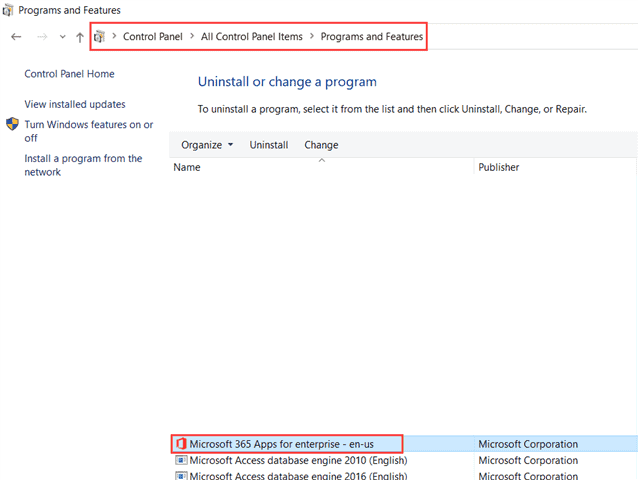
2. After that, restart OpenBuildings Designer and now try to use the tool Place Table and you will notice that you can place it successfully.

