How to restore the context menu (right click) in OpenBuildings Designer
Problem
When working on a model, sometimes the context menu (the menu that appears after the right click) does not appear, and users may have to leave the software to solve it.
Solution
After clicking with the right button on the screen anywhere, it might look like this:
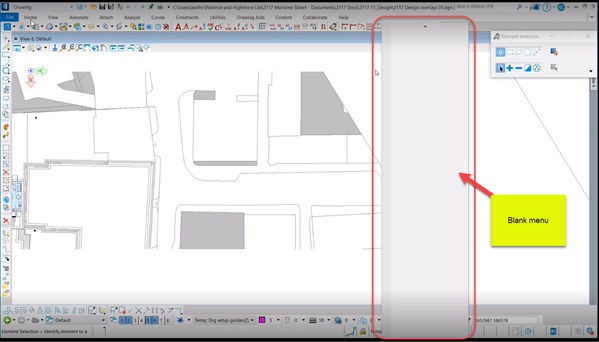
The entire list is empty and shows no options. This occurs due to the use of several graphics cards or a modified context menu.
To get rid of it, the user must not leave the software, but rather click on any element present in the drawing, even if it is the simplest (even a line would suffice). Thus, the software would associate the data element and processes in its graphics.
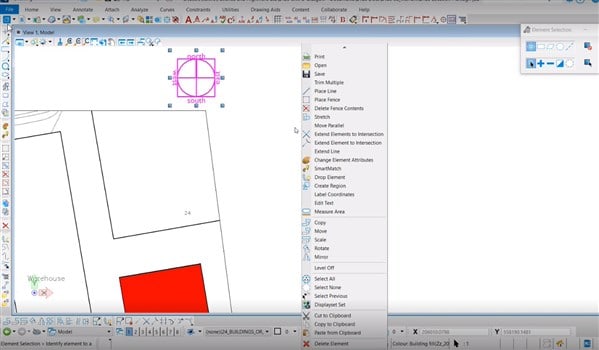
After that, if you right click, you will find the complete list without hassle. See below: