




Quick Creation of Smart P&ID
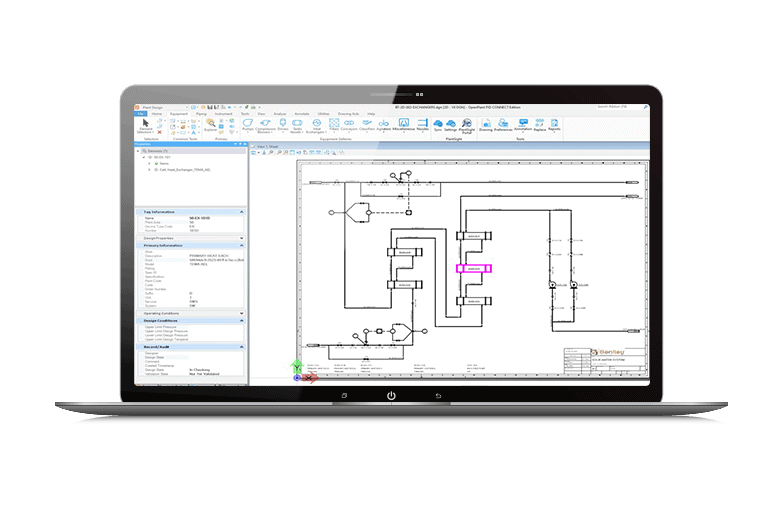
- Optimize the design of your plant and provide accurate P&IDs for operation.
- Promptly generate smart P&IDs with components that meet project piping specifications.
- Enjoy an ergonomic interface with intuitive task-based navigation, convenient selection lists and simplified configuration for quick adoption and smooth use.

Consistent and accurate label management
- Adopt a uniform labelling format for all P&ID documents, ensuring compliance with project name agreements.
- Simplify the consistent labelling of 2D and 3D designs in PlantSight and avoid duplicates.
Work in cloud-based design management
- Improve the efficiency of P&IDs by working online, offline or remotely, while ensuring the security and updating of your data.
- Access, view and edit P&ID data wherever you are via the Web Portal and Data Manager in PlantSight.

![Screenshot of the 3D engineering software interface showing a detailed structural model with coloured elements, accompanied by menus, toolbars and a project management panel including OpenTower for improved fixation analysis.]()
